Sitting All Day and Lower Back Pain: Causes, Relief & Proper Desk Posture
Sitting at a desk all day can leave your lower back feeling stiff, heavy, or painful—especially when you stand up after working for several hours.
Prolonged sitting can place extra strain on the lower back. This article explains why desk work may cause lower back pain, how to ease discomfort from sitting too long, and how to improve your desk posture and chair setup.
目次
- Can Sitting All Day Cause Lower Back Pain?
- Why Sitting Puts More Pressure on Your Lower Back
- Why Staying in One Position Can Make Pain Worse
- How to Relieve Lower Back Pain From Sitting All Day
- ① Take Regular Standing Breaks
- ② Stretch Your Lower Back and Glutes
- ③ Improve Your Desk Sitting Posture
- How to Sit Properly ① Keep Your Pelvis Upright
- Do Not Rely Too Heavily on the Backrest
- How to Sit Properly ② Keep Your Hips Slightly Higher Than Your Knees
- Do Not Set Your Chair Too Low
- How to Sit Properly ③ Avoid Leaning Forward
- Keep Your Feet Under Your Knees
- Use a Seat Cushion to Support Your Pelvis
- Adjust and Use Your Armrests
- Prevent Desk-Related Lower Back Pain With Better Sitting Habits
Can Sitting All Day Cause Lower Back Pain?
Spending long hours at a desk can contribute to a rounded back, forward-head posture, and lower back pain. You may notice stiffness or heaviness in your lower back, or pain when standing up after sitting for a long time.
Two main factors can make desk-related lower back pain more likely: the pressure sitting places on the lower back and the lack of movement when you remain in the same position for too long.
Why Sitting Puts More Pressure on Your Lower Back
Sitting can place more stress on the lower back than standing, particularly when you stay seated for long periods.
One study cited in the source reports that when the load on the intervertebral discs while standing is treated as 100%, the load while sitting may reach approximately 140%. This comparison helps explain why sitting all day can place a considerable burden on the lower back.
Why Staying in One Position Can Make Pain Worse
Lower back pain may become worse when you focus on desk work without changing position for a long time. Remaining seated reduces opportunities to move the muscles around the lower back and buttocks.
Prolonged sitting may also reduce circulation. As fatigue builds up, the muscles around the lower back can become stiff, making pain and discomfort more likely to worsen.
How to Relieve Lower Back Pain From Sitting All Day
Lower back pain can make it difficult to concentrate and work comfortably. The following simple habits may help reduce the strain caused by prolonged sitting.
① Take Regular Standing Breaks
Desk work often requires long periods of sitting, but it is important to stand up regularly instead of holding the same posture for hours.
Try to stand or gently bend and straighten your knees once every 30 to 40 minutes. Regular movement can help prevent the muscles around the lower back and buttocks from becoming too stiff.
② Stretch Your Lower Back and Glutes
The muscles around the lower back and buttocks can become tight during desk work. Gentle stretching may help loosen these areas and reduce tension.
③ Improve Your Desk Sitting Posture
Your sitting posture and chair setup can affect how much strain is placed on your lower back. To help prevent pain from prolonged sitting, aim for a stable position that supports your pelvis and upper body.
How to Sit Properly ① Keep Your Pelvis Upright
Sit with your pelvis upright and your spine comfortably lengthened. Try to distribute your weight evenly across the sitting bones at the base of your pelvis.
Avoid letting your pelvis roll backward, as this can encourage slouching and place more strain on the lower back. If you tend to arch your lower back excessively, adjust your position gradually until you find a posture that feels stable rather than forced.
Do Not Rely Too Heavily on the Backrest
Try not to collapse into the backrest while sitting. Position your desk and chair so that your elbows remain at approximately a 90-degree angle while you work.
This setup can make it easier to keep your upper body upright and reduce unnecessary strain on the lower back.
How to Sit Properly ② Keep Your Hips Slightly Higher Than Your Knees
Because sitting places considerable stress on the lower back, adjusting the chair so that your posture is closer to a natural standing alignment may help reduce the load.
Set the chair height so that your hips are positioned slightly higher than your knees.
Do Not Set Your Chair Too Low
Some people lower their chair so that both feet can reach the floor, but a chair that is too low may place additional strain on the lower back.
As a general guide, adjust the chair so that your knees form an angle of approximately 90 degrees. The most comfortable height varies from person to person, so fine-tune the chair until your lower back feels supported.
How to Sit Properly ③ Avoid Leaning Forward
When concentrating on desk work, it is easy to lean toward the screen without noticing. This forward-leaning posture can create uneven strain through the body and may contribute to forward-head posture and lower back pain.
If the abdominal muscles are weak compared with the back muscles, the upper body may tip forward and the lower back may compensate by arching.
Keep Your Feet Under Your Knees
Avoid stretching your legs too far in front of the chair, as this can increase pressure around the buttocks and lower back.
Keep your feet closer to the chair and roughly beneath your knees so that your lower body remains stable while you work.
Use a Seat Cushion to Support Your Pelvis
A seat cushion may help support your pelvis and discourage a forward-leaning posture. Place the cushion directly beneath your pelvis rather than under your thighs.
This can make it easier to support your upper body and reduce the load placed on the lower back and buttocks.
Adjust and Use Your Armrests
If your chair has armrests, adjust them so that your elbows are supported naturally while you work.
Try to keep your upper body aligned over the chair rather than reaching far in front of the armrests.
Prevent Desk-Related Lower Back Pain With Better Sitting Habits
When you become absorbed in desk work, it is easy to sit for too long or gradually lean toward the screen without noticing.
Improving your desk posture, adjusting your chair, and taking regular movement breaks may help prevent lower back pain, slouching, and forward-head posture.
Use the tips in this article to create a more comfortable workspace and reduce the strain caused by sitting all day.
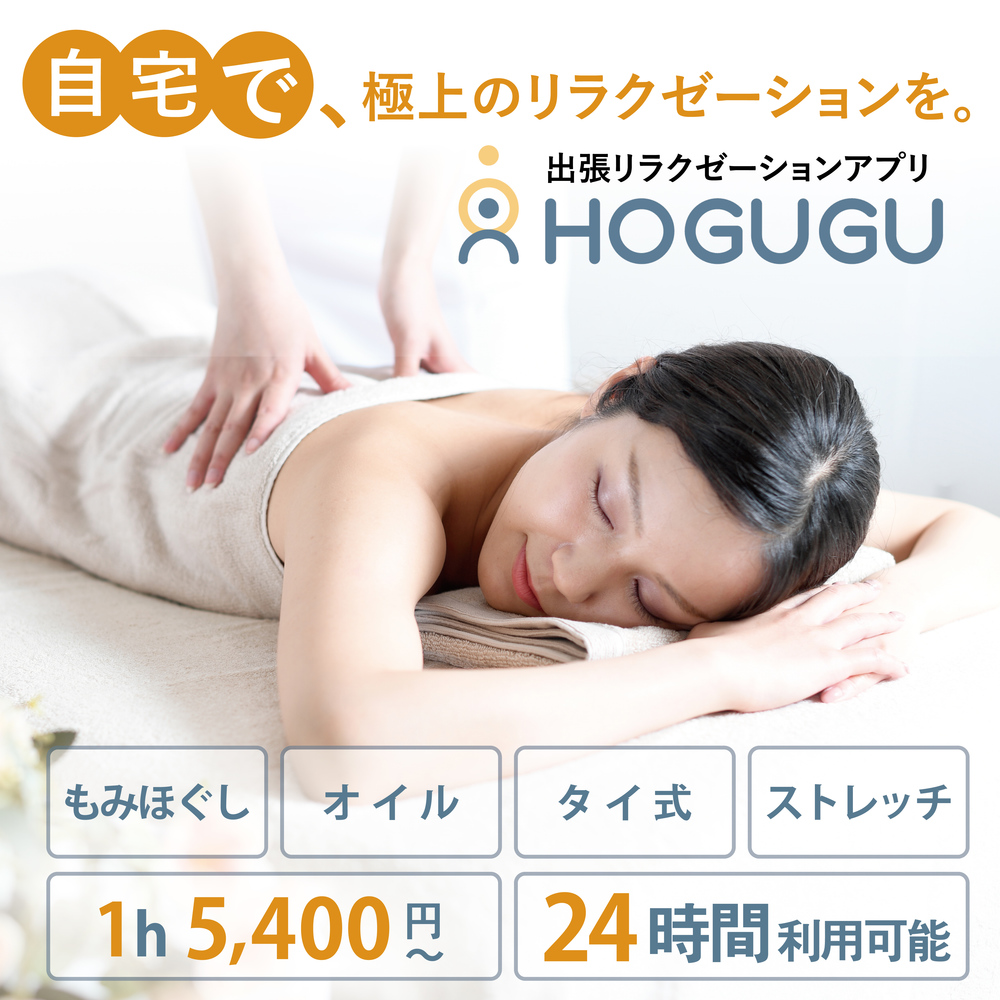
Relax and Refresh With HOGUGU
If daily fatigue is building up, why not enjoy professional relaxation at home?
With HOGUGU, a therapist can visit your home or accommodation, so you can receive professional massage and relaxation care without having to visit a salon. Reservations can be made through the app 24 hours a day, making it convenient after work, on weekends, or when you simply do not feel like going out.
HOGUGU therapists have passed a strict screening process with an acceptance rate of around 10%, allowing users to choose from carefully selected professionals.
HOGUGU has recorded more than 335,439 on-demand relaxation bookings and over 225,090 reviews as of August 2026. You can compare therapist profiles, treatment menus, and prices in advance to find an option that suits your needs.
Real experience reports and app-exclusive coupons are available here.
See detailed instructions on how to use HOGUGU.
This article contains some promotional content.
Source reference in the original article: Japan Clinical Orthopaedic Association, “Lower Back Pain.”
日々の疲れを癒すなら『HOGUGU』で
日々の疲れが溜まっている方は、お家でプロのリラクゼーションを受けてみませんか?
家から出たくない日や、夜遅い時間でも、『HOGUGU(ホググ)』なら自宅で簡単にプロのもみほぐしを体験できます。セラピストが自宅や宿泊先に来てもみほぐしを行ってくれるので、わざわざ整体やマッサージ店へ出向く必要もありません。
HOGUGU(ホググ)では、合格率約10%の厳しい審査を通過したセラピストが施術を担当しているため、確かな技術を持つプロの施術を自宅や滞在先で受けられます。
「忙しくてケアの時間が取れない…」という方も、HOGUGU(ホググ)なら好きな時間・好きな場所で施術を受けることが可能です。アプリから24時間いつでも簡単に予約できるので、仕事終わりや週末のリラックスタイムを充実させられるでしょう。
また、出張リラクゼーション予約数335,439件・口コミレビュー数225,090件以上を誇り、多くの方に選ばれ続けています(※2026年8月現在)。さらに、施術や料金の比較もできるため、自分にぴったりのセラピストを選べるのも魅力です。
極上のリラクゼーションで、日々の疲れをリフレッシュしませんか?
まずは、日本最大級の出張リラクゼーションプラットフォーム『HOGUGU(ホググ)』アプリを無料ダウンロードして、自分に合ったセラピストを見つけてみてください!
(この記事は一部プロモーションを含みます)